
Can you learn PLC programming at home?
Yes, you can start learning PLC programming at home. The important part is knowing what to learn first and not jumping straight into advanced projects before the basics make sense.
A good beginner route starts with PLC concepts, inputs and outputs, scan cycles, ladder logic, and then moves into real software such as Siemens TIA Portal.
The best route for beginners
The best way to learn PLC programming is to build the knowledge in layers. Start with what the PLC is doing, then learn how the software controls real inputs and outputs.
Learn the basics
Understand PLCs, inputs, outputs, scan cycles and simple control logic.
Use real software
Get familiar with TIA Portal terminology, tags, ladder logic and download concepts.
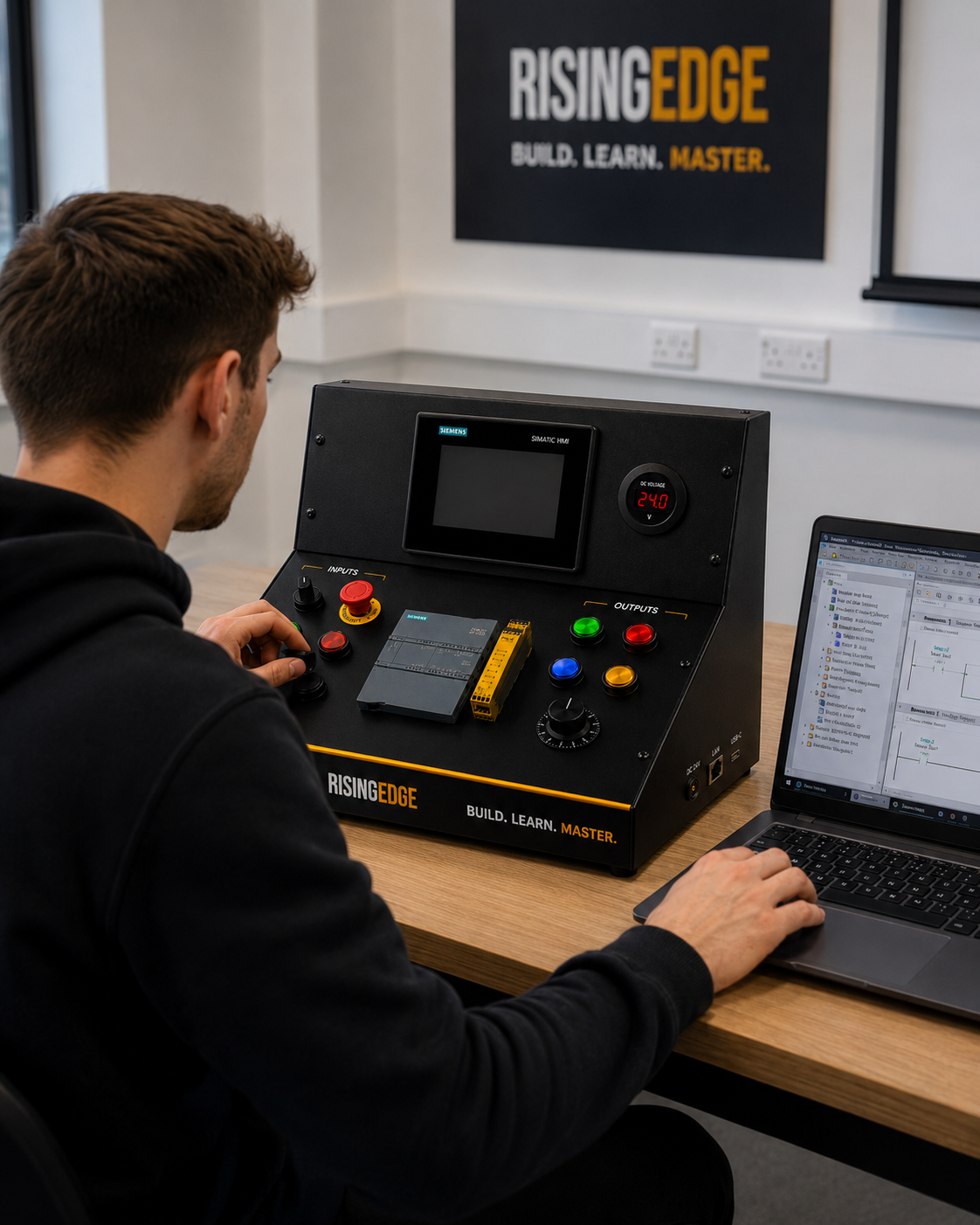
Practise on hardware
Connect the logic to real buttons, lamps, switches and HMI controls when you can.
Are PLC simulators enough?
Simulators are useful. They help you practise logic, learn the software layout and understand how basic instructions behave.
But simulation alone does not build the same confidence as using real inputs and outputs. Real hardware teaches connection, testing, fault-finding and cause-and-effect in a way a screen cannot fully replace.
Why real hardware helps
With real hardware, a tag is no longer just a name in software. It becomes a real start button, selector switch, lamp, HMI button or input signal.
That practical link is what helps learners move from “I understand the idea” to “I can build and test this myself”.
What should you learn first?
Do not try to learn every PLC instruction at once. Beginners make faster progress when they focus on the core ideas first.
Common beginner mistakes
The biggest mistake is jumping into complex code too early. Another common mistake is only watching tutorials without actually building, testing and troubleshooting anything.
Keep it simple. Build small circuits, test one idea at a time, and make sure you understand why the output changes.